

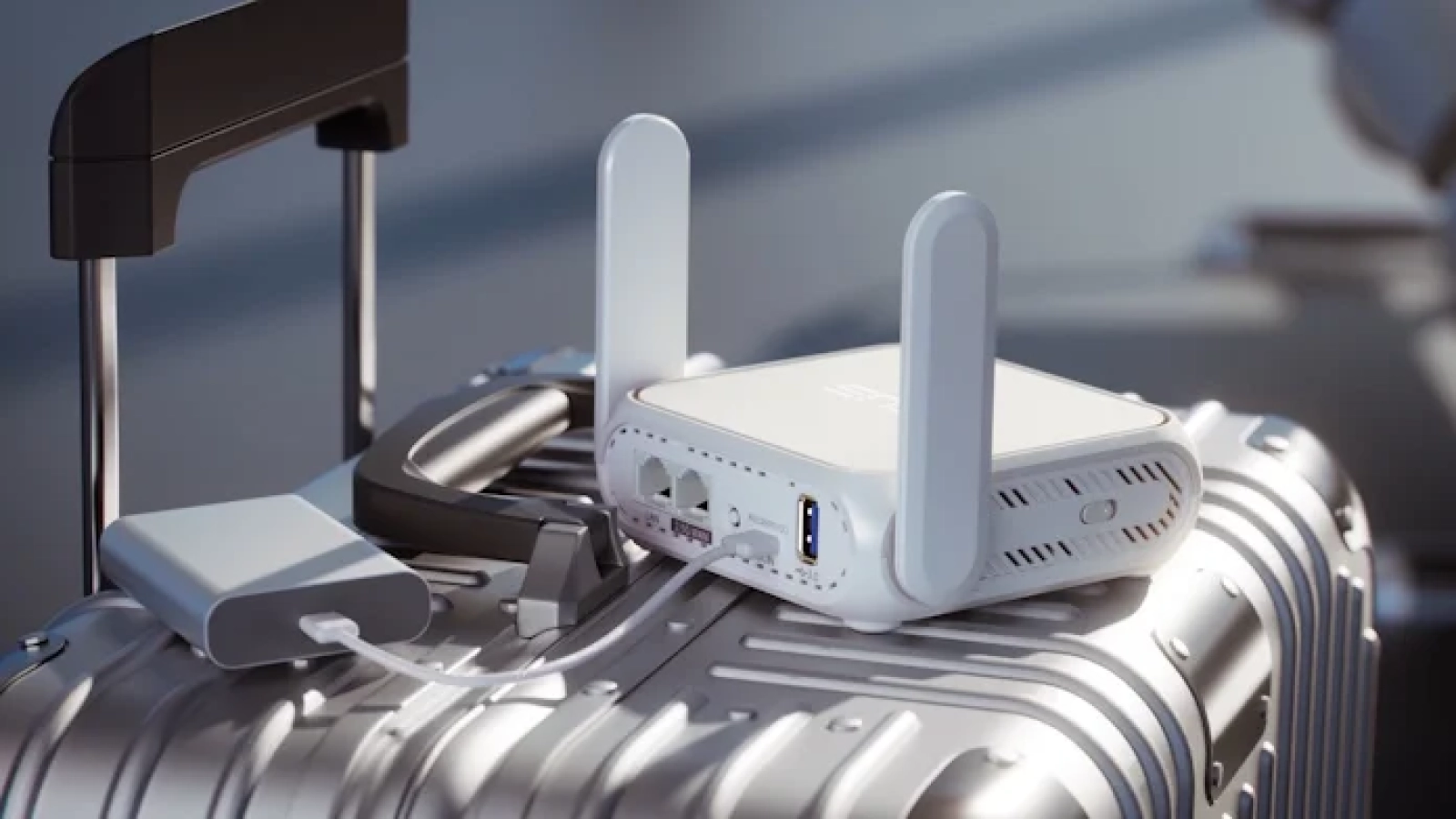
Protect your home network with these 10 essential security tips, covering everything from strong passwords to secure router placement.
Want to secure your home network and protect your devices from potential threats? Start by taking these 10 key steps:
- Use Strong Passwords: Create unique, complex passwords and update them regularly.
- Enable WPA3 Encryption: Upgrade your router’s security to the latest standard.
- Update Router Firmware: Keep your router’s software up-to-date to patch vulnerabilities.
- Set Up Firewalls: Activate both hardware and software firewalls for layered protection.
- Create a Guest Network: Isolate smart devices on a separate network.
- Disable Remote Router Access: Turn off remote management to block external threats.
- Filter Device MAC Addresses: Allow only approved devices to connect.
- Change Default Router IP: Make your network harder to target by changing the default IP.
- Disable UPnP Features: Turn off UPnP to prevent unauthorized access.
- Secure Router Placement: Position your router centrally and away from windows for better security.
Quick Action Plan: Start with strong passwords and WPA3 encryption, then move on to updating firmware and enabling firewalls. Regularly review your settings to stay ahead of potential risks.


Leave A Comment